
50PCS A4 Sublimation Heat Transfer Paper For Inkjet Printer DIY T Shirt Clothes Bag Cup Ceramics Thermal Transfer Papers


50PCS A4 Sublimation Heat Transfer Paper For Inkjet Printer DIY T Shirt Clothes Bag Cup Ceramics Thermal Transfer Papers
Description
SPECIFICATIONS
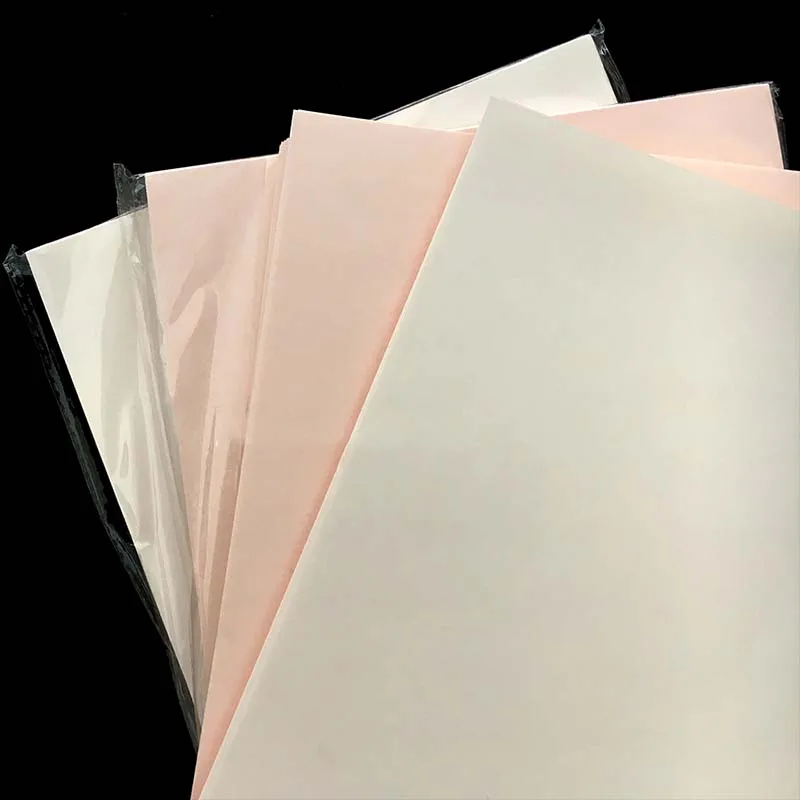
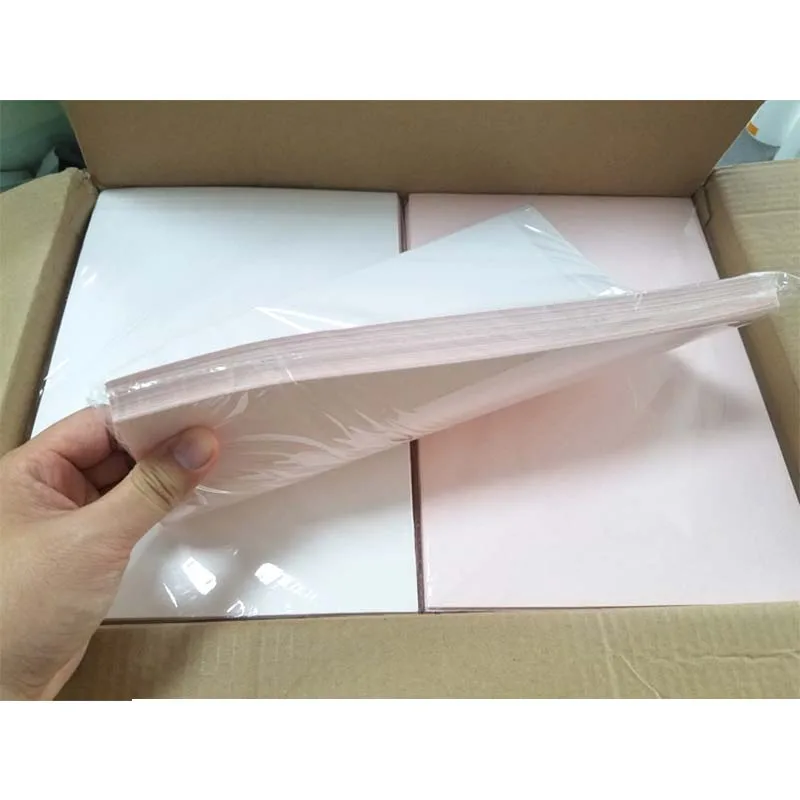
1set: 50sheets papers
Brand Name: NoEnName_Null
Choice: yes
High-concerned chemical: None
Model Number: Sublimation Heat Transfer Paper
Mug Transfer Paper: a4 sublimation heat transfer paper
Origin: Mainland China
Size A4: Heat Transfer Paper
T-shirt transfer paper: Sublimation Paper
heat transfer paper inkjet printer: heat transfer paper inkjet dark t shirt
Description
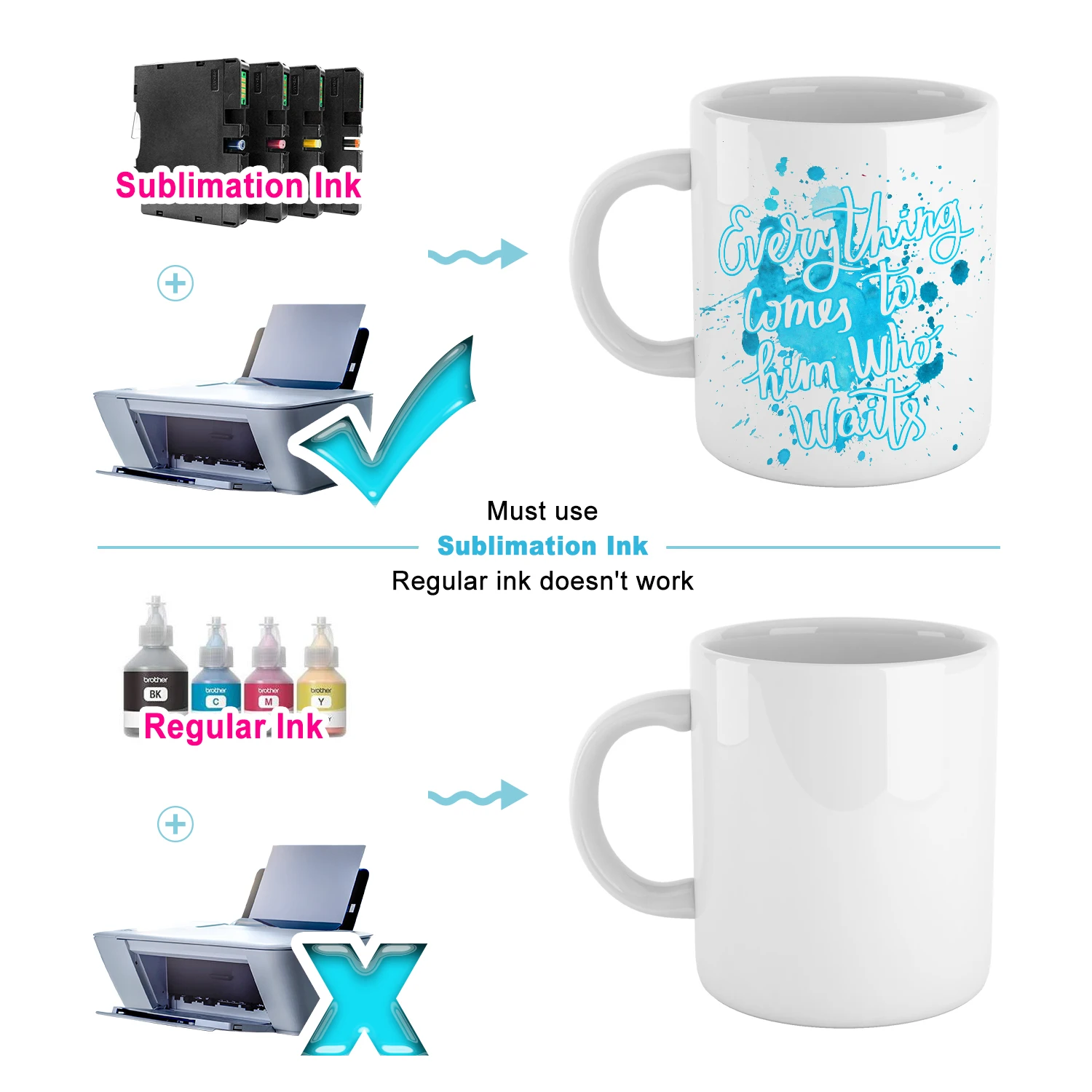
1. Thermal sublimation paper: Two conditions must be met when using thermal sublimation paper, as long as it is a printer using micro piezoelectric nozzles, such as Epson, Roland, Mutoh, Mimaki, and other models. It is necessary to use thermal sublimation transfer ink, which is made of dispersed dyes and will sublimate and dye with the substrate at the transfer temperature;
2. Heat transfer paper: Various patterns are printed on a special type of paper using special heat transfer ink, and then transferred to the product through temperature and pressure. This special type of paper in the heat transfer printing process is called heat transfer paper;
3. Thermal sublimation paper belongs to coated paper, which sublimates ink onto objects through high temperature; Heat transfer paper, on the other hand, involves ink penetrating through a high-temperature adhesive layer, which penetrates into the fabric at high temperatures. Therefore, heat sublimation paper has no tactile sensation and good breathability. Heat transfer paper has a harder tactile sensation but is not breathable.
Notice:Sublimation Paper and heat transfer paper
⭕Sublimation is a relatively easy process; it’s a whole lot easier with the Sublimation Paper. Just get your preferred images or graphics in these papers then transfer on the surface of your choice that is specially coated for sublimation. Results are approximately 98% transfer-rate.
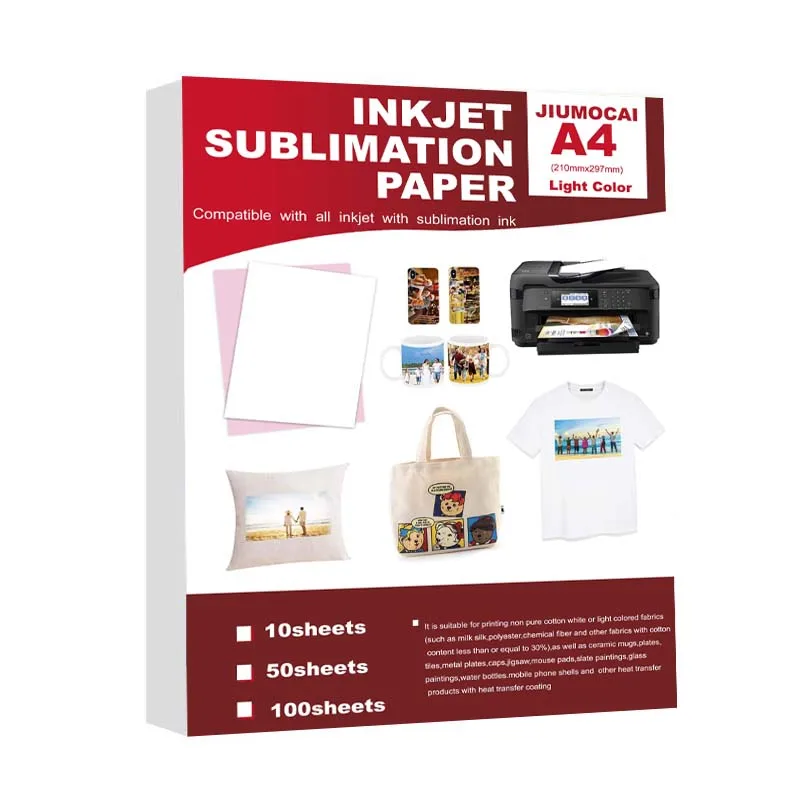
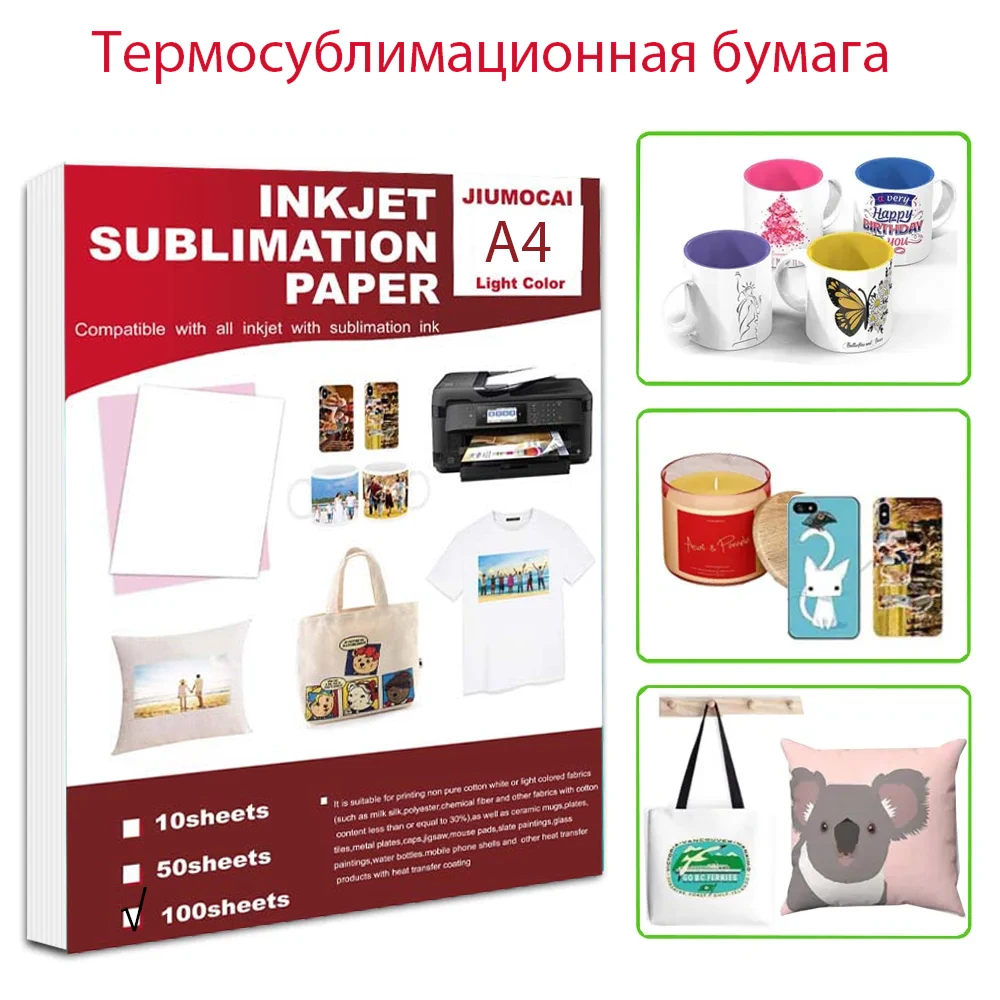
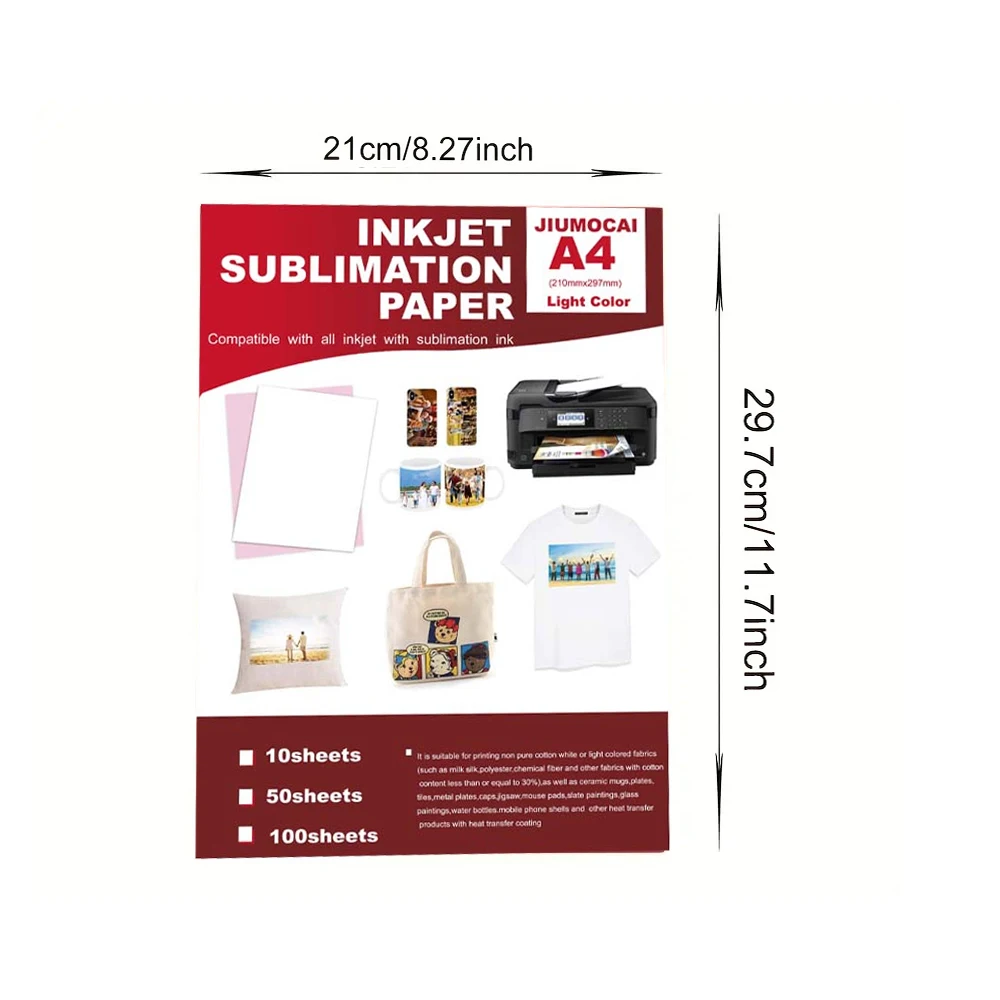
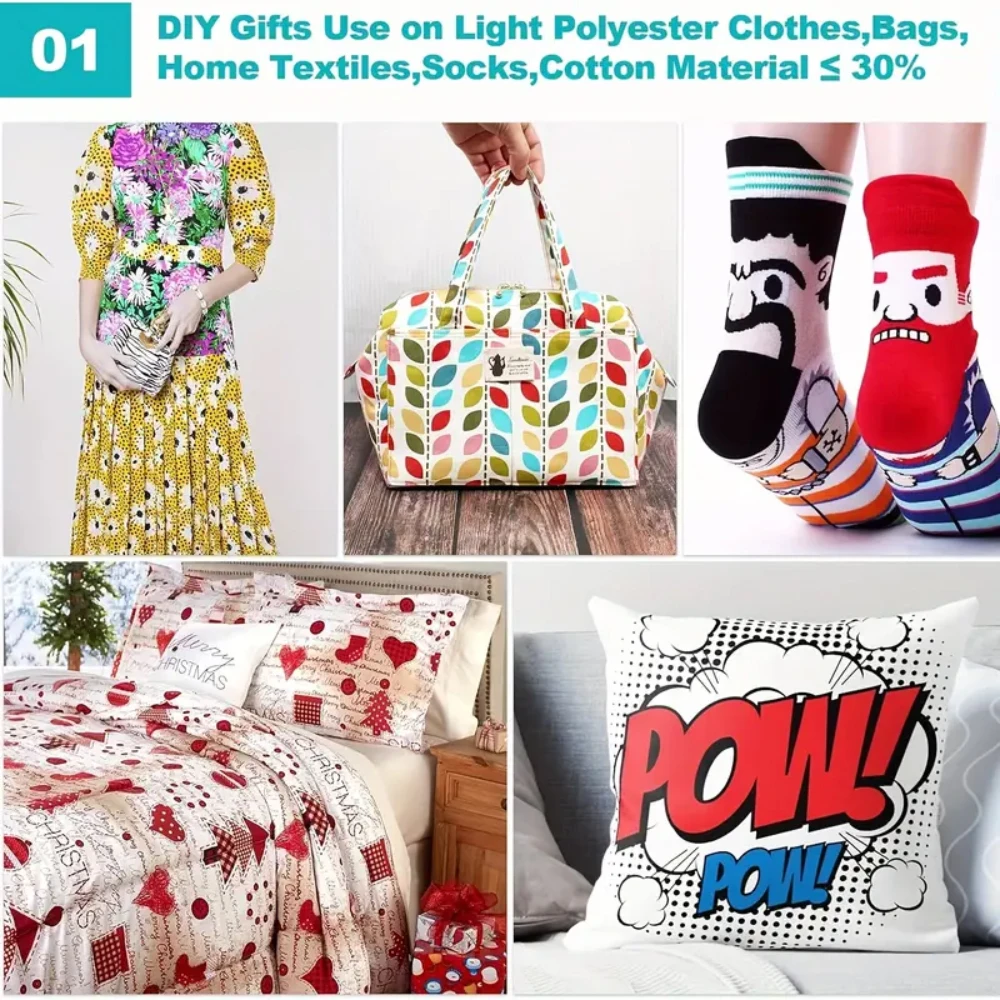
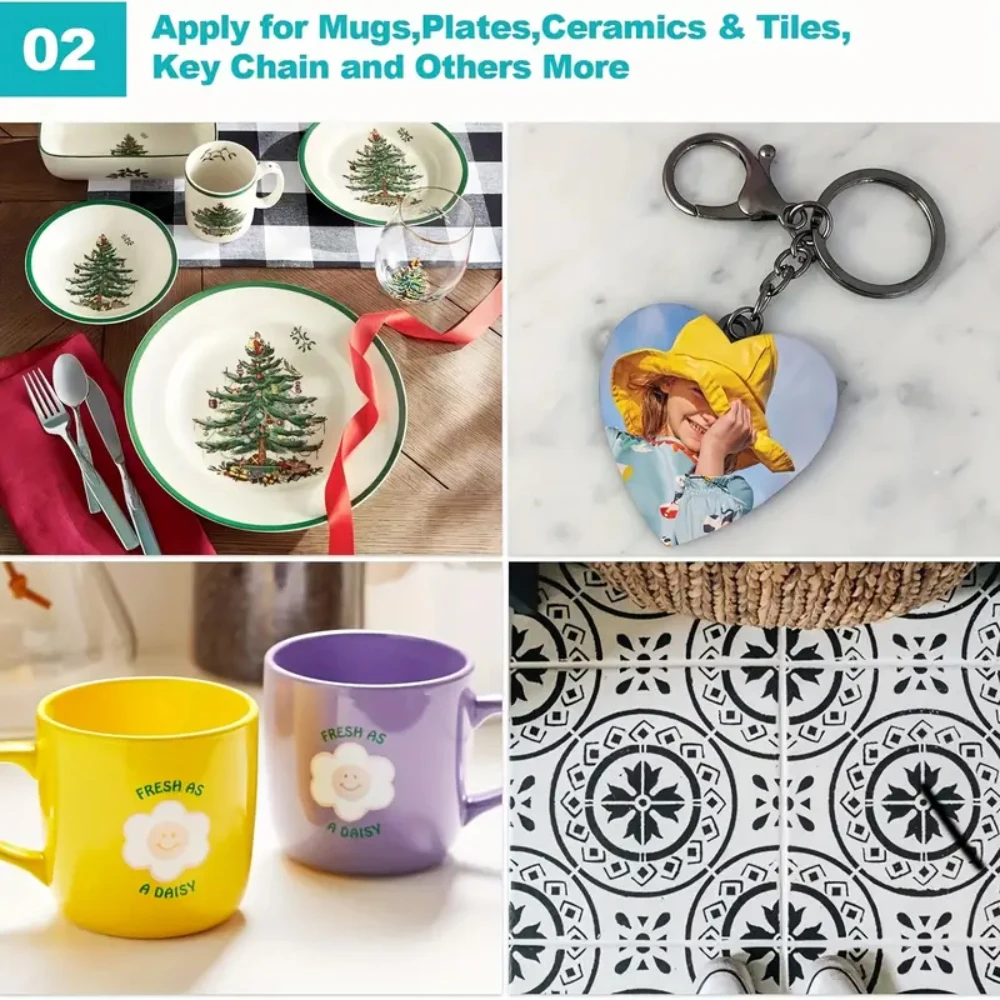
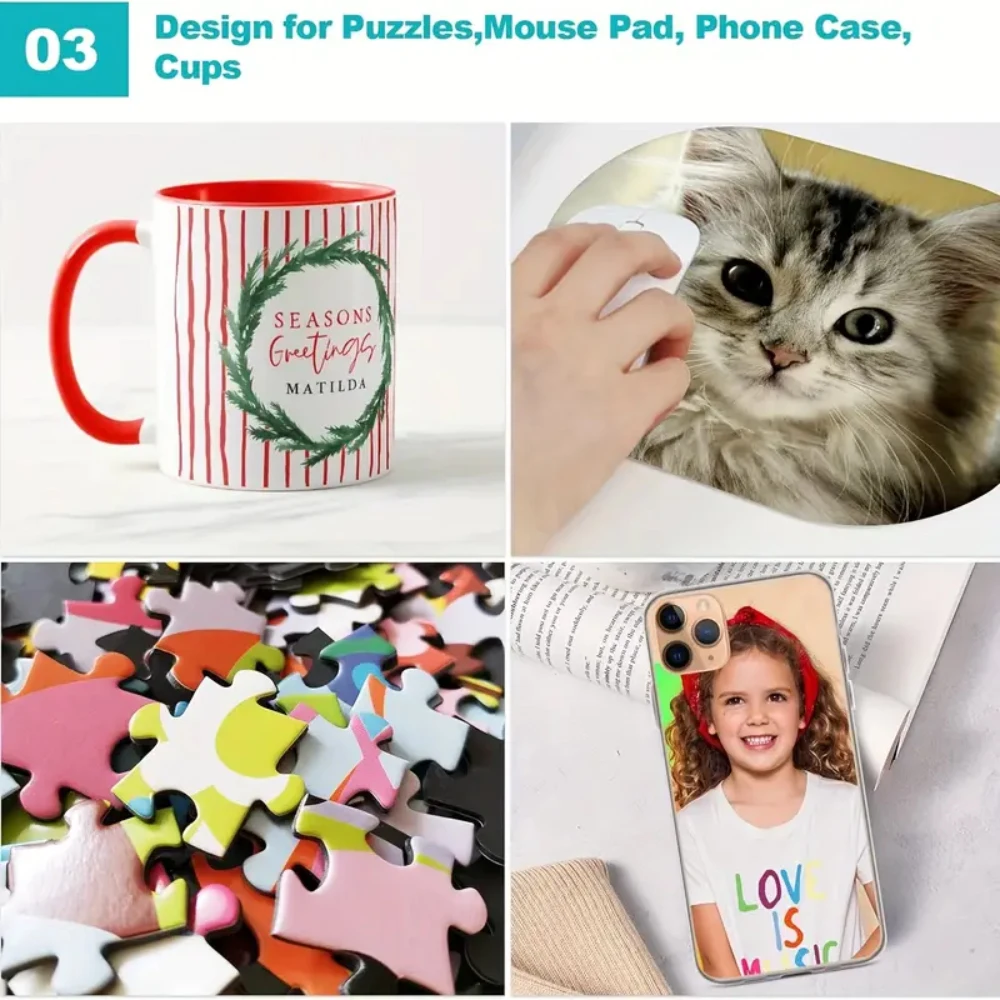
⭕ It is a transfer paper used for sublimation coated ceramics such as mugs and plates , for caps , eco bag , round fans , lanyards, shirt and other sublimated products. Used this together with sublimation ink.
⭕Heat transfer paper can be completed using ordinary ink
【Details】
Size: A4(8.3''×11.7'')
Resolution 5790dpi
Suitable for all inkjet printers
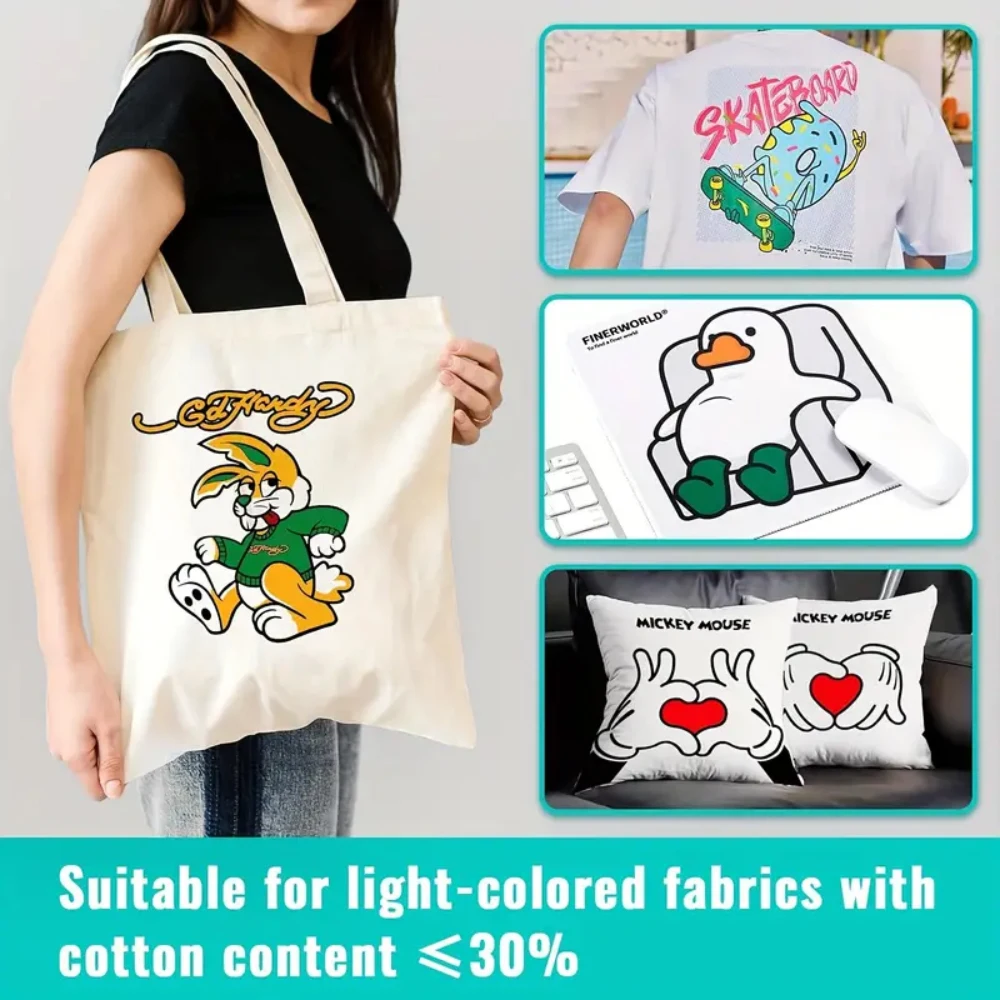
lron-on: Work with cotton or nylon fabrics. Such as t-shirts, hats, aprons, bags and more.
【DESIGN YOUR T-SHIRT】
1. Print Image on the BLANK side of the transfer paper. Wait for the image to dry.
2. Cut out the shape with scissors or cutting machine.
3. Tear Off the base paper.
4. Place the image facing upward onto appropriate area of the T-shirt.
5. Cover the image with Teflon Paper(in the pack).
6. Transfer with Iron or Heat Press.
●IRON: Set to "High Temperature" and turn Off steam, circularly press and iron for 5 mins.
●HEAT PRESS: Set Temperature to 170°C (338°F) and time to 10 seconds.
7. Peel off the Teflon paper.
8. Transfer has been done!
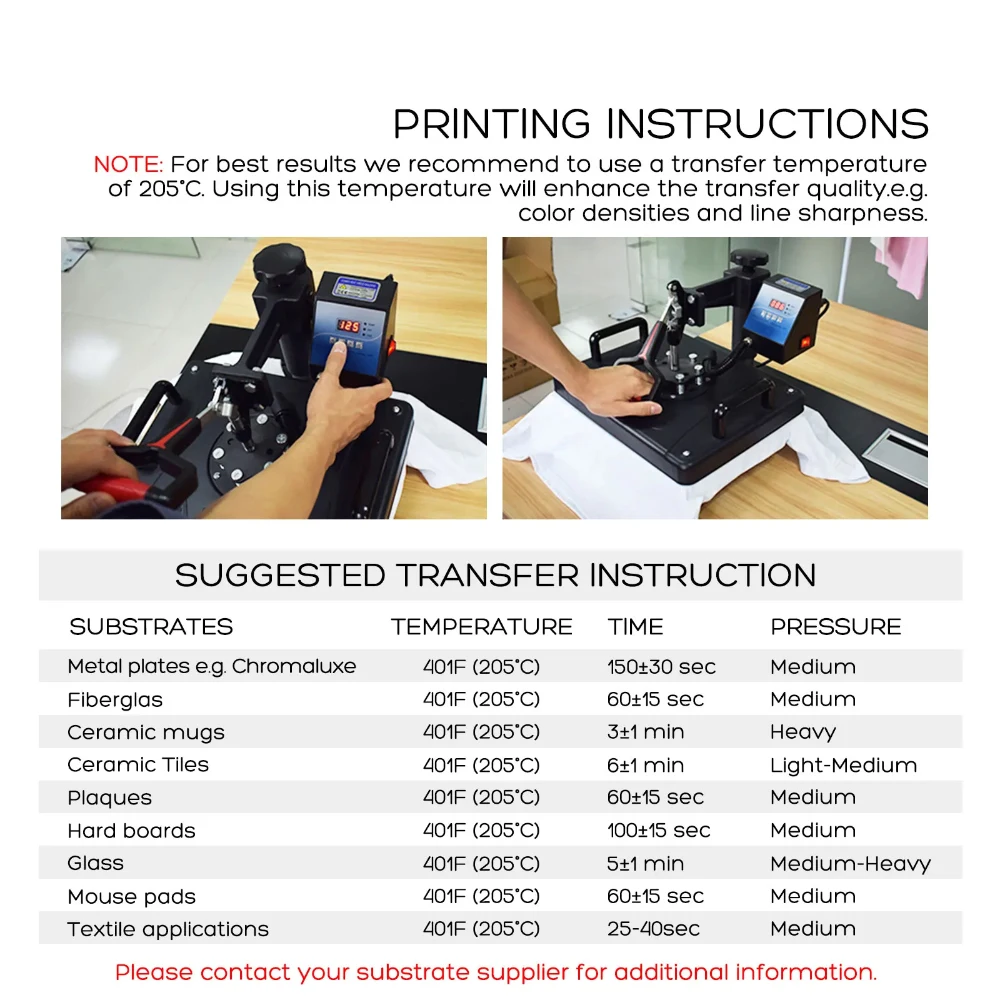
【PRINTING INSTRUCTIONS】
NOTE: For best results we recommend to use a transfer temperature of 205°C. Using this temperature will enhance the transfer quality.e.g. color densities and line sharpness.





Special Note:
Due to the slow sublimation speed of the paper and a special coating on the surface, the ink cannot be absorbed quickly, the transfer color is brighter than ordinary inkjet paper, and the transfer speed is more complete. But at the same time, it will also cause tooth marks to appear during printing. The larger the number, the deeper the tooth marks. The general solution is to clean the gear with an alcohol swab, or to relieve the gear mark when the print on the paper feed head cannot be printed, but it cannot be eradicated. Or blowing cold air on the paper feed head can relieve the dentition, but it cannot be eradicated.
If you are just starting out with sublimation paper, please note that these are properties of sublimation paper, not quality issues.
Tip: The paper is coated and will curl when heated, please keep it in a cool place, if you find a little curled paper before printing, please rewind the paper before printing.
Care
To maintain the beauty and integrity of your purchase, we recommend treating it with care. Simple maintenance practices, such as gentle washing and proper storage, can effectively preserve the longevity of your favorites. We encourage you to refer to the care instructions included with each item, designed to help you keep your purchase in top condition.
Design
Our dedication to excellence extends beyond materials; it encompasses the artistry and craftsmanship illustrated in every piece we create.